
Scary Hot Dogs Power Outage: Restore the Lights
Scary Hot Dogs power outage guide: why the lights cut, how to find the main switch, what the yellow corridor means, and how to prepare before the dark.
The power cut is the moment Scary Hot Dogs changes genre. One second you are grilling sausages, the next the stand is dark and the world outside the window has become a long yellow corridor. The game does not pause for you to admire it. Customers may still be at the window, and something may be inside.
This page explains the outage routine, the preparation that makes it survivable, and the mistakes that turn a blackout into a game over. The night one guide→ covers the first shift, and the weapons guide→ covers the tools you should have before the lights fail.
Quick answer
Find the main power switch and flip it. Do not walk down the yellow corridor. The switch restores the stand; the corridor is the thing the stand is protecting you from.
What happens during a power cut
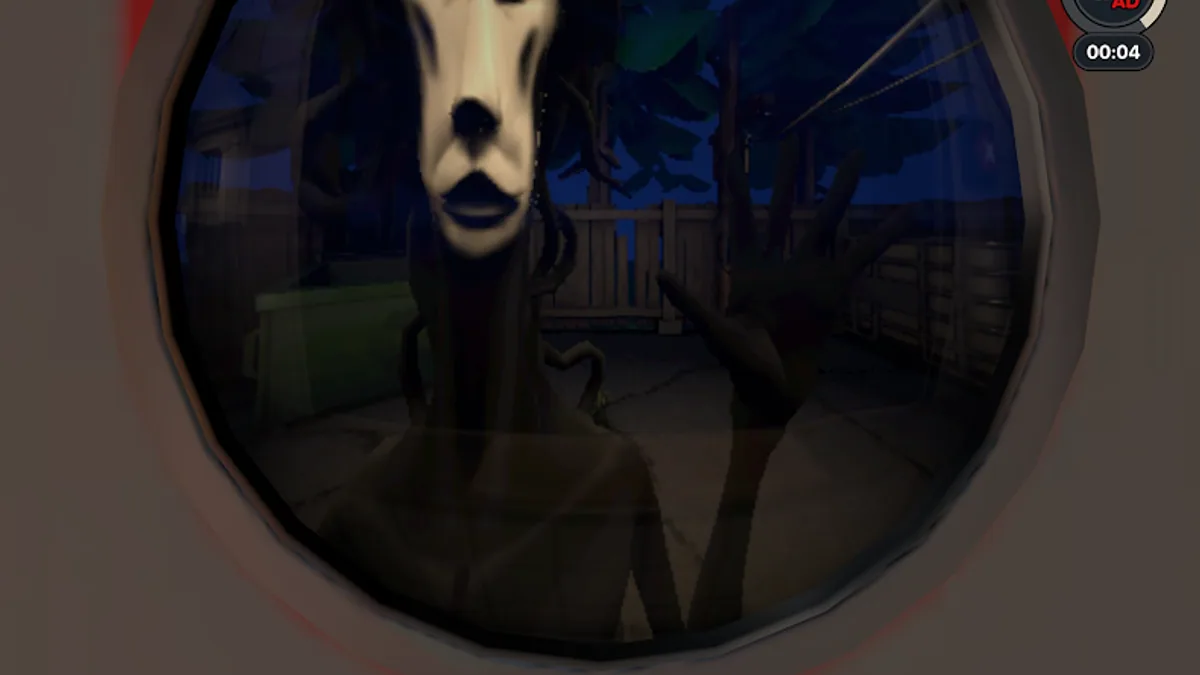
Public footage shows the stand going dark, the lights dying, and the space beyond the serving window turning into a long yellow corridor. The corridor looks like a Backrooms-style liminal space: fluorescent light, no clear end, and something moving at the edge of visibility.
The power cut is not a scripted cutscene. You can still move, and the threat can still reach you. The stand's normal tools, the monitor and the window, stop working the way they did. That is why the outage is dangerous: it removes your information.
The fix is the main power switch. The same switch you flip at the start of the shift. Flipping it restores the lights and returns the stand to normal.
Before the lights go out
The best time to prepare for a blackout is before it happens. Four habits make the outage much easier:
- Charge the torch early. The stand has a rechargeable torch. Put it on the charger at the start of the shift, not when the lights start flickering.
- Learn the switch location. The main power switch is part of the opening sequence. You should be able to find it in the dark.
- Keep the counter clear. A cluttered counter becomes a maze when you cannot see it.
- Buy a close-range tool. A taser or pan gives you an answer if something is already inside when the lights fail.
The torch is the one item that turns the outage from a panic into a route. If the torch is dead, you are navigating by memory and whatever light the corridor provides. The weapons guide→ explains why the torch is not optional.
The outage routine
When the lights cut, do not sprint. The stand is small, and the threat is often closer than it sounds.
Step 1: Stop cooking
Take the sausage off the grill if you can do it safely. A burning grill in the dark is a second problem. If the customer is still at the window, do not hand over a half-built order. The interaction is already broken.
Step 2: Get the torch
Pick up the charged torch. If it is not charged, move to the switch by memory and keep one hand on the counter. Do not walk into the corridor to look for light.
Step 3: Check the window
Is the customer still there? Did they change? Is the window intact? If something is pressing against the glass, do not open the hatch. The customers guide→ covers the tells.
Step 4: Flip the main switch
Move to the main power switch and flip it. This is the objective. Everything else is delay. The switch restores the lights and ends the corridor event.
Step 5: Reassess
Once the lights are back, check the stand. Is the grill still on? Is the customer gone? Is there something inside? Do not immediately reopen the window. Take one beat to confirm the stand is normal.
The yellow corridor is a distraction. The game wants you to look at it. The correct response is to ignore it and restore the power. If you chase the shape at the end of the corridor, you are playing the horror's game, not yours.
What the yellow corridor is
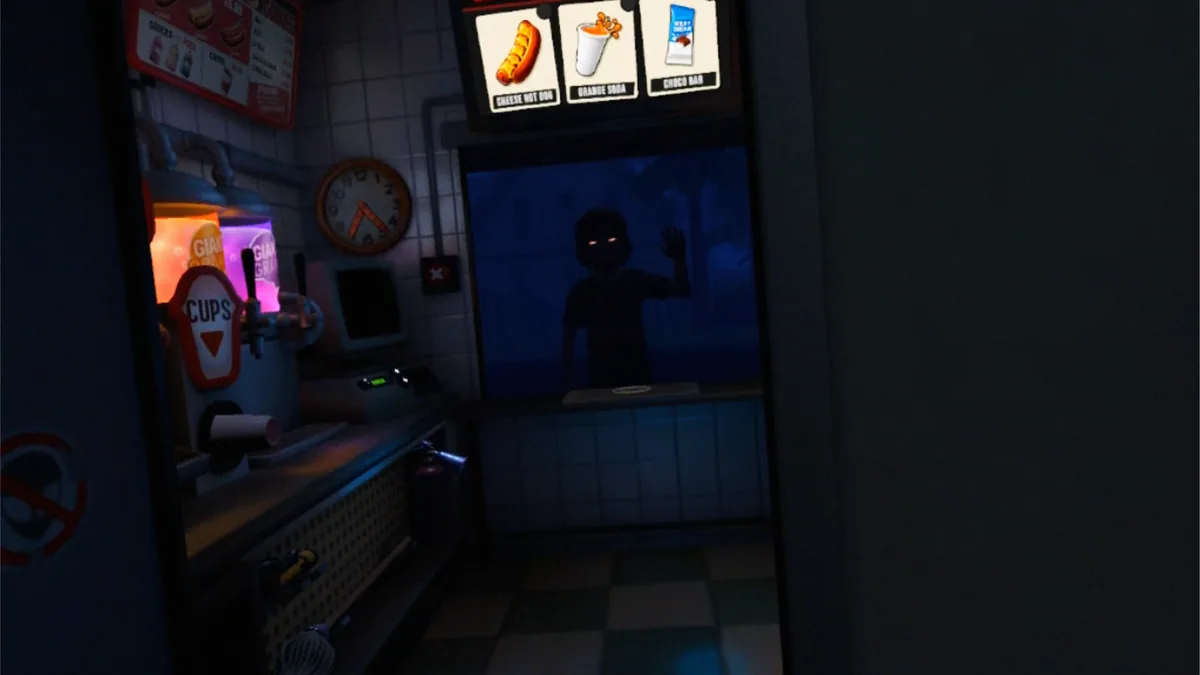
The corridor is the game's most obvious liminal-space reference. It appears when the power fails, it extends beyond the normal geometry of the stand, and it is lit in a way that does not match the car park outside. It is not a normal part of the building.
The game does not explain the corridor in its store copy. It is part of the mystery, along with the town's habit of getting unusual after dark. Treat it as a hazard, not a level. You are not meant to explore it during a shift.
If the corridor appears and the power switch is not where you remember, do not keep walking. Turn around, find the counter, and retrace the opening sequence. The switch is in the stand, not at the end of the corridor.
Power cuts and the camera
The security monitor is one of the first things the outage affects. In normal play, the monitor lets you see the back lot and the area around the stand. In the dark, it may go down with the rest of the electronics.
That loss of information is the real threat. You cannot check whether the visitor at the window is alone. You cannot see the back door. You have to rely on sound and the torch.
The practical rule is to check the camera immediately before the outage if you feel one coming. If the stand has been flickering, do a quick camera sweep, then charge the torch. Do not wait for the blackout to start your prep.
Power cuts and weapons
A weapon is less useful in the dark than a working light. You cannot aim at what you cannot see. If you have a taser, keep it in hand while you move to the switch. If you have a gun, do not fire blindly into the corridor.
The pan is a last resort. The taser is the better dark tool because it does not require precision. The sleeping spray may be useful if it works on the thing in the stand, but the game does not confirm that.
Do not buy a weapon specifically for the outage. Buy the torch charge and learn the switch. The weapon is for the moment the outage puts something inside with you.
After the outage
The shift continues. Serve the next customer, check the till, and do not assume the event is over. Some nights have more than one outage, and the second one is usually worse.
If the outage cost you an order, do not try to rebuild it from memory. Start the next ticket clean. The money guide→ explains why a fresh order is better than a confused apology.
FAQ
How do I fix the power outage in Scary Hot Dogs?
Flip the main power switch. It is the same switch you use at the start of the shift. The lights come back and the yellow corridor disappears.
Should I explore the yellow corridor?
No. The corridor is a hazard, not a route. Public footage shows the power switch as the fix, not the end of the corridor.
Why did the power go out?
The game does not publish a single explanation. The outage is part of the stand's supernatural events, alongside the strange customers and the town's after-dark reputation.
Can I prevent a power outage?
There is no confirmed prevention method. The practical preparation is a charged torch, a known switch location, and a clear counter. See the night one guide→ for the opening routine.
Official source: Scary Hot Dogs on Steam ↗ and PlayStation Store PPSA40470 ↗ Community source: VR Cricket Guy launch breakdown ↗ and Game Critix review ↗ Inference source: the step routine is editorial; the switch location and corridor appearance come from public launch footage.